
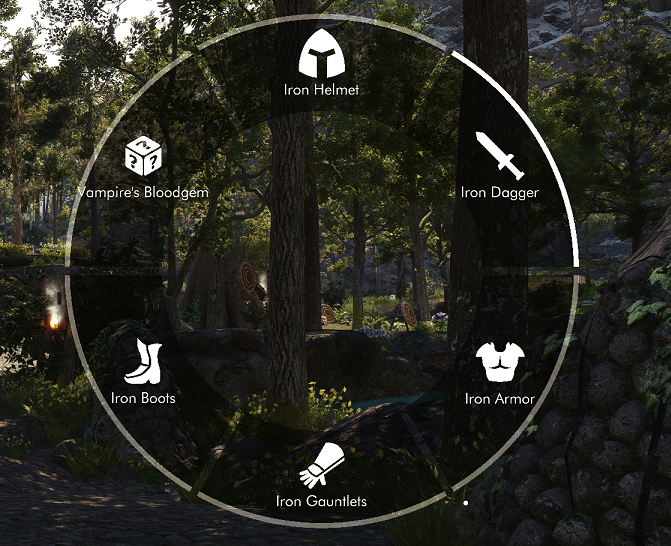
Most combat and UI keys in Nolvus V6 Awakening are controlled outside Skyrim's vanilla Controls menu—either inside an MCM menu (ESC → Mod Configuration) or via a DirectX numeric keycode inside a Mod Organizer 2 .ini file.
Interactive Keybind & DirectX Keycode Lookup
Search any action (e.g. Dodge, Block, Wheeler) or DirectX scan code (42, 259). Click any keycode to copy it for MO2 .ini editing.
Matching Nolvus V6 Actions & Where to Rebind
| Action | Keyboard | Controller | Where to Rebind |
|---|
DirectX Scan Codes (MO2 .ini Files)
1. Master Default Keybinds (Keyboard & Controller)
| Action | Keyboard Default | Controller Default | Where to Rebind |
|---|---|---|---|
| Normal Attack | Left Click | RT | Standard Skyrim Controls |
| Power Attack | V | RB | One Click Power Attack MCM (vanilla hold-attack disabled) |
| Dodge | Left Shift (Code 42) | B | MO2: TK Dodge RE - Nolvus Settings |
| Block / Timed Block | B | B | Dual Wield Parrying + Valhalla Combat MCM (MUST match!) |
| Stances (N / H / M / L) | F1 / F2 / F3 / F4 | Hold DPAD-L/U/R/D | MO2: Stances - Dynamic Animation Sets - Nolvus Settings |
| Ashes of War | X | LB | Ashes of War MCM |
| Wheeler Quick Wheel | N (Add: Y, Prev: G) | X (Add: Y) | MO2: Wheeler - Nolvus Settings |
| Custom Skills Menu | TAB → Custom Skills | B + WAIT MENU | Custom Skills Framework |
| Equipment Display (IED) | F7 | Keyboard F7 | Immersive Equipment Display overlay |
| Follower Commands | U | Controller combo | MO2: Swiftly Order Squad - Follower Commands UI |
| Magic Menu / Cast Power | P / Z | B + DPAD-LEFT / A + RT | Default / Complete Controller Setup |
| Favorites Hotkeys | Left Ctrl + Key | Controller favorites | Custom Favorites Hotkey system |
| Compass / Quick Light | Custom | Custom | Toggle Compass Hotkey MCM / Quick Light MCM |
| Equipment Durability | Custom | Custom | MO2: Equipment Durability System NG (or 32x9 for ultrawide) |
2. The #1 Rebinding Trap: Block Key Must Match in TWO Mods
If you change your Block key in Nolvus V6 and timed blocks stop working (or blocking breaks entirely), you only updated one mod. You must bind the exact same key in both:
- Dual Wield Parrying (MCM / config)
- Valhalla Combat MCM Menu
Also avoid pressing Skyrim's legacy vanilla block key—it can trap your character in a stuck blocking pose (press the vanilla block key once more to unstick).
3. How to Use Wheeler (N / X)
Wheeler slows time and gives instant radial access to weapons, spells, and potions:
- Open your Inventory and highlight an item.
- Press
N(keyboard) orX(controller) to open Wheeler, then Left-Click an empty slot to assign the item. - To remove an item, open Inventory + Wheeler and Right-Click the slot.
- Press
Yto add another wheel, andG(keyboard) to cycle to the previous wheel.
4. Controller Setup & Switching Back to Keyboard
- Changing Controller Layout: In Mod Organizer 2, right-click
Complete Controller Setup→ select Reinstall Mod → choose an alternate layout in the FOMOD installer. - Switching Back to Keyboard: Official Nolvus V6 guidelines warn that if you return to keyboard + mouse, you must disable the 3 controller mods in Mod Organizer 2 to avoid conflicting inputs.
- Controller Stopped Working After Alt-Tab?: If movement freezes, the camera drags slowly, or buttons stop responding after alt-tabbing, Alt-Tab out and back into Skyrim until input recovers.
5. Common DirectX Keycodes for MO2 .ini Files
Double-click the target mod in Mod Organizer 2, open its .ini file under the Filetree tab, and replace the numeric code using these standard DirectX Scan Codes:
| Key | Code | Key | Code | Key | Code | Key | Code |
|---|---|---|---|---|---|---|---|
Backspace | 14 | Tab | 15 | Q | 16 | E | 18 |
R | 19 | T | 20 | Y | 21 | U | 22 |
Left Ctrl | 29 | F | 33 | G | 34 | H | 35 |
Left Shift | 42 | Z | 44 | X | 45 | C | 46 |
V | 47 | B | 48 | N | 49 | M | 50 |
Left Alt | 56 | Space | 57 | F1–F4 | 59–62 | F7 | 65 |
Mouse Left | 256 | Mouse Right | 257 | Mouse Mid | 258 | Mouse 4 / 5 | 259 / 260 |